Human Resources Manager resume keywords
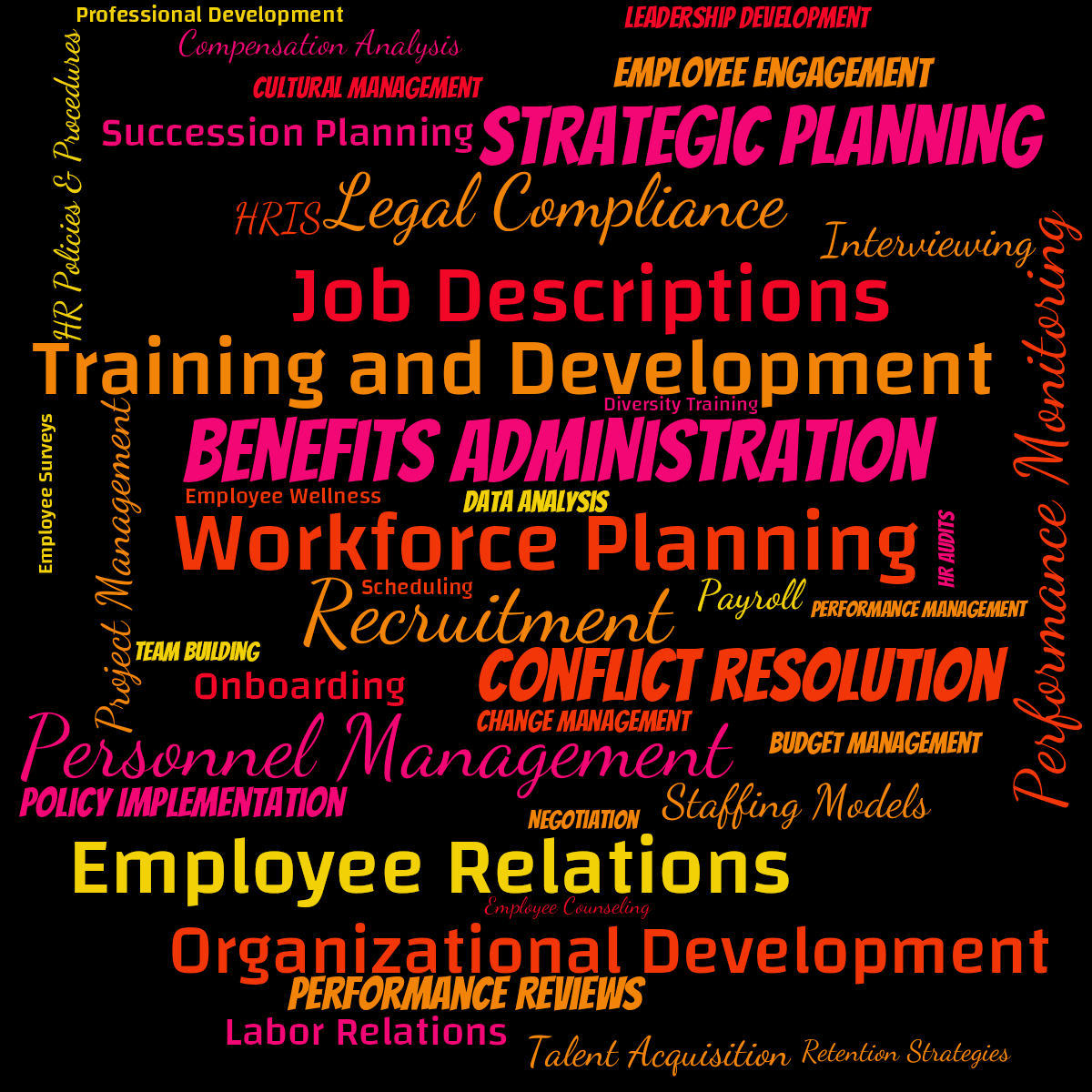
A word cloud with 42 bright multicolor words like Personnel Management, Workforce Planning and Recruitment, set on a black background.
About This Word Cloud
This word cloud has been created from a topic prompt. Learn more.
This multicolor word cloud titled 'Human Resources Manager resume keywords' features 42 words:
Personnel ManagementWorkforce PlanningRecruitmentBenefits AdministrationEmployee RelationsTraining and DevelopmentStrategic PlanningJob DescriptionsLegal ComplianceConflict ResolutionOrganizational DevelopmentPerformance MonitoringProject ManagementStaffing ModelsInterviewingPerformance ReviewsEmployee EngagementPayrollPolicy ImplementationLabor RelationsSuccession PlanningOnboardingHRISTalent AcquisitionCompensation AnalysisHR Policies & ProceduresRetention StrategiesLeadership DevelopmentCultural ManagementData AnalysisBudget ManagementChange ManagementTeam BuildingNegotiationPerformance ManagementEmployee WellnessHR AuditsProfessional DevelopmentEmployee CounselingSchedulingDiversity TrainingEmployee Surveys
Personnel ManagementWorkforce PlanningRecruitmentBenefits AdministrationEmployee RelationsTraining and DevelopmentStrategic PlanningJob DescriptionsLegal ComplianceConflict ResolutionOrganizational DevelopmentPerformance MonitoringProject ManagementStaffing ModelsInterviewingPerformance ReviewsEmployee EngagementPayrollPolicy ImplementationLabor RelationsSuccession PlanningOnboardingHRISTalent AcquisitionCompensation AnalysisHR Policies & ProceduresRetention StrategiesLeadership DevelopmentCultural ManagementData AnalysisBudget ManagementChange ManagementTeam BuildingNegotiationPerformance ManagementEmployee WellnessHR AuditsProfessional DevelopmentEmployee CounselingSchedulingDiversity TrainingEmployee Surveys
Pro Features
@word_cloud is enjoying the exclusive benefits of the Pro plan!
This word cloud can boast:
Similar Word Clouds












More word clouds by @word_cloud PRO


Create a Collaborative Word Cloud
Create your own word cloud on any topic. Enter words manually, analyze a document, choose one of the presets, or ask WordCloud AI for help.
Visit the tutorials to learn more about creating word clouds.
Head to the Dashboard to get started now!